
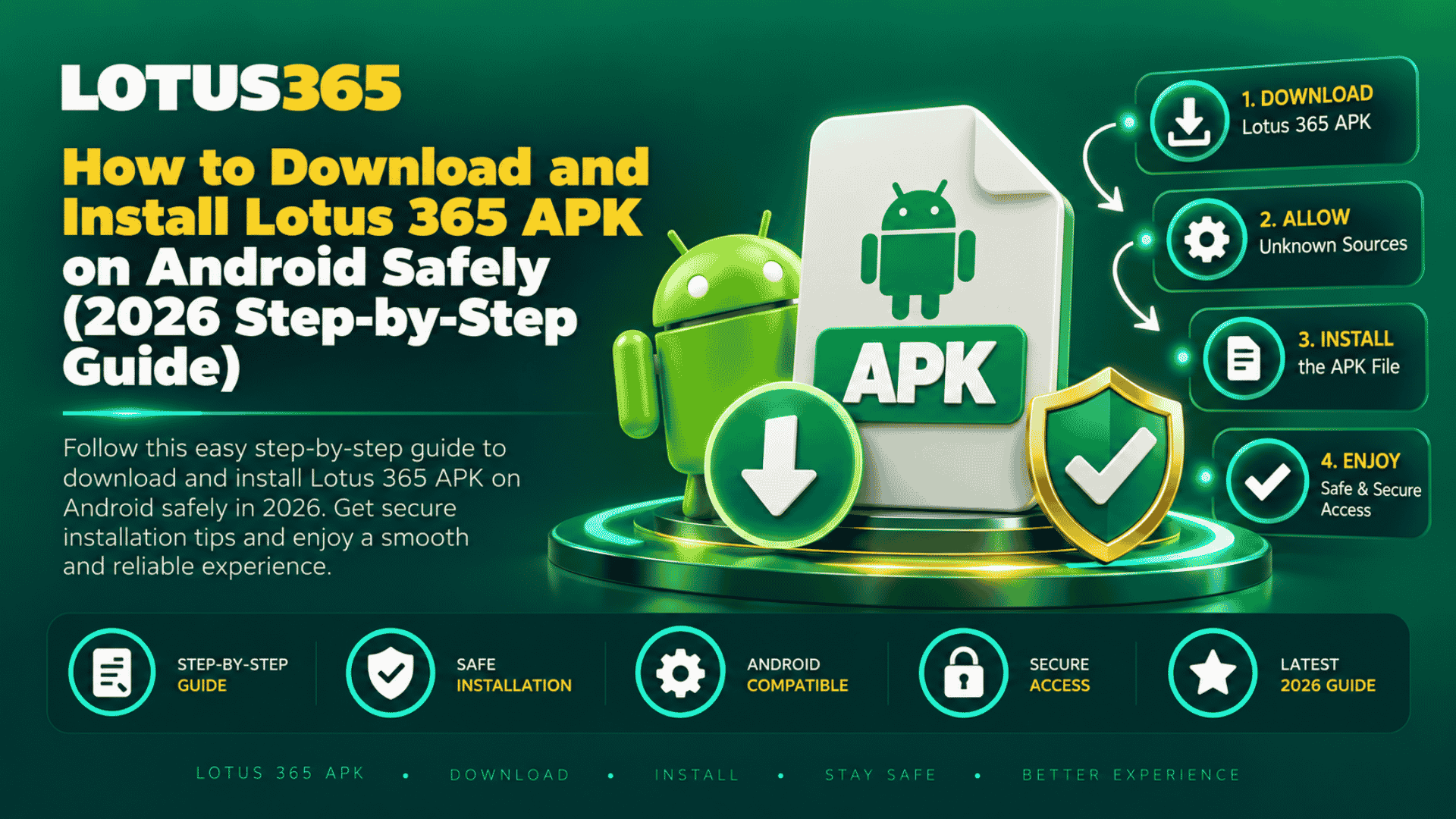
Want a new sports app on your phone? Many people search for an easy way to Download and Install Lotus 365 APK on Android. The good news is that it takes only a few minutes. You do not need to be a tech expert. This guide uses short steps and plain words. Follow each step in order, and you will be done soon.
What Is the Lotus 365 Android App?
The Lotus 365 Android app is a mobile app made for sports fans. You can watch all Live games and match Details with this application even though You’re Watching on Mobile Device.
APK means A file That contains an Application In One Package. First of all, save it and then Install This application With Saved APK File. Generally for those who are not on the Play Store. So the source of your file matters a lot. Use only the official Lotus 365 website.
What You Need Before You Start
First check this list before you Download and Install Lotus 365 APK. It will save you trouble later.
- A phone with a recent Android version
- Enough free space for the file
- A steady Wi-Fi or data link
- A battery charge above 30 percent
- You must be 18 years or older
Steps to Download and Install Lotus 365 APK
Here is the full process. Each step is short.
Step 1: Open the Official Site
First, you’ll need to open up the browser on your phone. Once there, enter the website’s name into the URL bar and make sure it’s in the correct format. The page should load quickly and appear professional without any ads. Don’t click on links in chats or online ads.
Step 2: Begin the Lotus 365 APK Download
Find the button on the home page. Tap it once. Your phone may warn you that this file type can harm your device. This is a typical notification when installing APKs. Tap to keep the file. Wait until the Lotus 365 APK download ends. Then check the file in your Downloads folder.
Step 3: Enable Installing Unknown Programs
Open your phone’s settings. Look for either the security or the apps settings on your phone. Then you should find and enable the installation of unknown apps only for the browser. This will allow you to download and Install Lotus 365 APK without a block. Remember to switch it off after you are done.
Step 4: Begin the Lotus 365 APK Installation
Click on the file. A prompt will appear. Click the Install button and give it a moment. The Lotus 365 Android installation is finished when you see a button saying “open”. Do not exit the prompt.
Step 5: Launch the Application and Log In
Start the application on the home screen of your phone. Create an account or log in to your existing one. Make sure you have chosen a really strong password to keep your identity secure. Do not share your one-time activation with anyone.
Quick Look at the Whole Process
| Step | What to do | Time |
| 1 | Open the main site | 1 min |
| 2 | Save the file | 2 min |
| 3 | Allow unknown apps | 1 min |
| 4 | Install the app | 2 min |
| 5 | Open and sign in | 2 min |
Use this table as a fast checklist to Download and Install Lotus 365 APK. Times may change with your phone and speed.
Safety Tips Before You Install
A safe setup protects your phone and your data. Follow these five tips. Also check the rules in your state, since laws differ.
- Visit the lotus365 official page and skip copies on other sites.
- Never Download and Install Lotus 365 APK from a link sent in chat.
- Run a security scan on the file before you open it.
- Allow only the app permissions that make sense.
- Use the app only if you are 18 or older, and set a limit for yourself.
How to Fix Common Problems
Sometimes things go wrong. These quick fixes help.
- Lotus 365 APK installation fails: free up space, then tap the file again.
- Will not open: the download may be broken, so get it again.
- Install blocked: turn on the unknown apps option for your browser.
- Cannot find the file? Look for the lotus365 download apk button on the main site.
- If the app is slow: close other apps and restart your phone.
Lotus 365 App Download vs Play Store Apps
Play Store apps get checked by Google before they go live. An APK from a website does not get that check. That is why the Lotus 365 app download needs more care from you. Look at the file size and app name. Read the permissions with care. If anything feels odd, stop and delete the file. A few extra minutes can save you from big trouble.
Keep the App Updated and Safe
New versions fix bugs and add better speed. Check the main site now and then for a fresh file. When a new one comes out, repeat the same steps to Download and Install Lotus 365 APK again. Your old data may stay if you install the old app. Still, log out before you update, just in case. Also, clear old APK files from your phone to save space.
Benefits of the Lotus 365 Android App
People like the app for a few simple reasons.
- Keep updated with the latest sports news wherever you are.
- An easy-to-use screen.
- Notifications that let you catch the big moments.
- One source for all sports news.
- Fast installation process (just a few minutes).
Features can change, so check the app for the current list.
Simple Habits for a Smooth Setup
Plan your Lotus 365 Android installation when your battery is full and the signal is strong. A weak link can break the file halfway. If that happens, delete the part file and start again. Mobile data works too, but the file may take longer to use WiFi instead.
Keep your phone software fresh, too. Old systems may block the new app. Open Settings and look for a software update. After that, try the Lotus 365 APK download once more if the first try fails.
Many first-time users rush and skip steps. Take your time. If you want to Download and Install Lotus 365 APK with no stress, read each screen before you tap. Do not agree to anything you do not understand.
Final Thoughts
A safe Lotus 365 Android installation is easy when you follow the steps. Use the main site, scan the file, and keep your phone updated. Now you know how to Download and Install Lotus 365 APK the right way. Play with care and stay within your limits.
FAQs
1. Is it safe to Download and Install Lotus 365 APK?
It can be safe if you use the main site and scan the file. Avoid copies from unknown pages.
2. Where do I find the Lotus 365 app download?
Use the main site at lotus365-ind. Pick the file for Android only.
3. Does it work on every phone?
Most new Android phones can run it. Old phones may not. Check the site for the needs.
4. How long does the Lotus 365 APK installation take?
Most people finish in a few minutes. Speed and phone type can change this.
5. Can I use the app if I am under 18?
No. The app is for adults only. Please follow the laws in your state.