
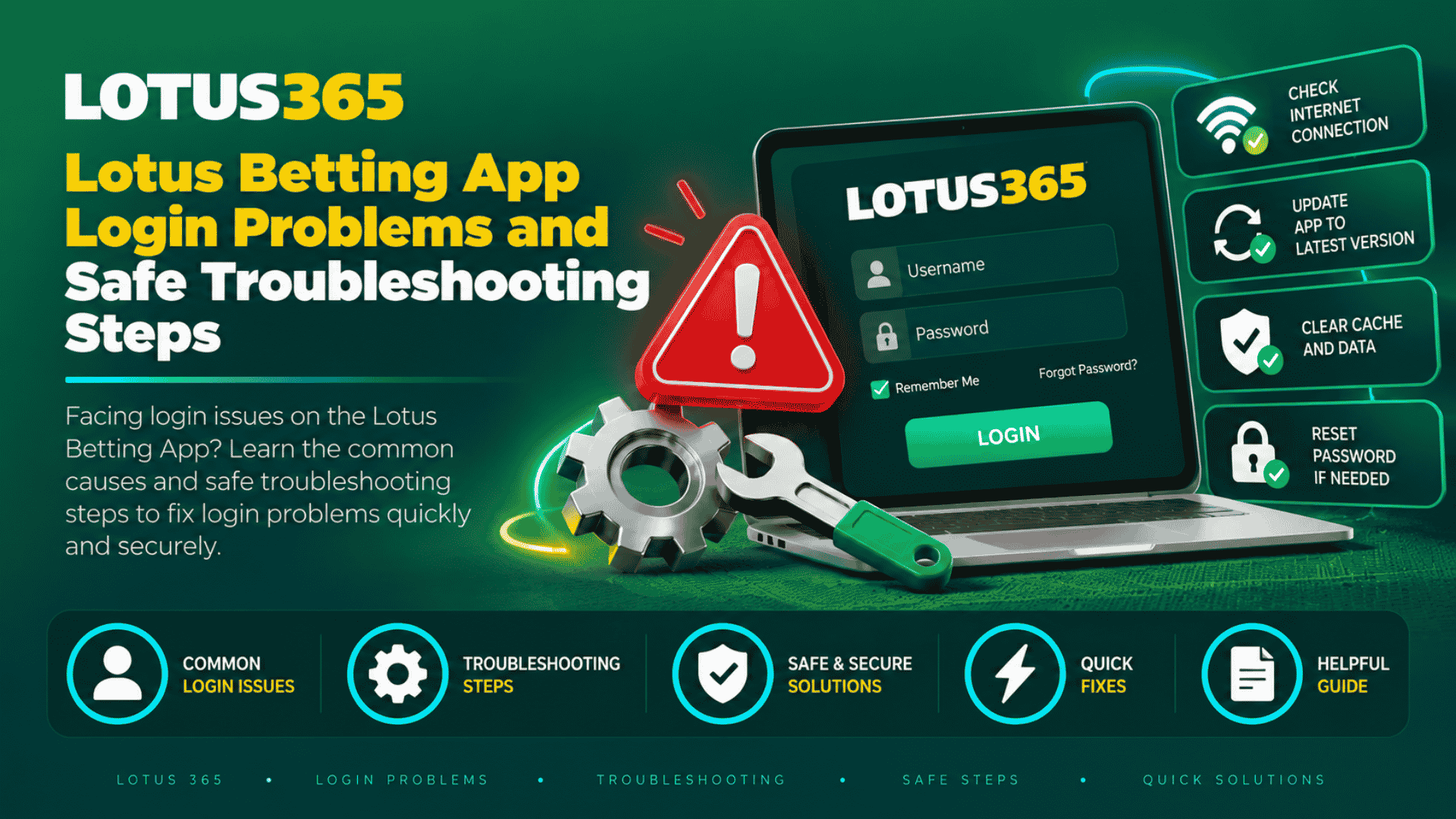
Sometimes, there can be some problems while logging in using mobile apps due to internet connectivity issues, outdated software, server maintenance, incorrect credentials or device settings.
A Lotus Betting App login problems doesn’t always mean an account is suspended or that the application is down for good. Occasionally, you may encounter an application compatibility issue or a temporary network blip that may interfere with the login process. Users have to check an error message to see if the problem is with their device, internet connection or the service itself before sending multiple login requests.
The safest way is to use verified information, to not download unofficially and to never give your passwords or verification codes to strangers. Users are advised to check the relevant terms and conditions of the platform and local laws before using any betting related service.
Please check your Internet Connection before Logging In
If the app won’t load, first check for a stable internet connection. Could be bad network access, spotty cell data or a weak wi-fi signal. Unable to connect to service on login page.
If you have any issues with logging into the Lotus Betting App login problems, first open any other trusted website or app to verify that your internet is working fine.
Here are a few common things to try:
- Try toggling between Wifi and Data to see if it’s a connection issue.
- If your signal is weak, move closer to your Wi-Fi router.
- If you find that a number of devices are having difficulty connecting to your network, consider resetting your router.
- Turn off airplane mode if it is on. Have enough mobile data.
If you can’t get a reliable connection, don’t keep trying to sign in. The service policies can impose temporary security restrictions on multiple attempts.
Recheck your login Information
Another reason for a failed Lotus365 login issues request is that the wrong account information was sent. A successful authentication can be prevented by typos, accidental spaces, wrong capitalisation of the password, or by using old credentials.
If you cannot enter the Lotus betting application, carefully check the data you entered in each field. Make sure you are using the right account identifier, and that the characters you are trying to enter are the ones you want, not the ones your keyboard has decided to change to. If your password contains uppercase letters, numbers or symbols, check that you have typed all the characters correctly.
Also, repeated failures can be due to account restrictions or security checks. If you still receive a failure after entering the correct credentials, contact the service using a method that you have independently verified to be official. Please don’t open another account to get around restrictions until you have read the rules that apply to the account.
Lotus Betting App Login Problems – How To Fix If It Doesn’t Work
Sometimes the users enter their credentials correctly and still cannot access the application. The page can be blank or freeze when loading or shut down unexpectedly. Such symptoms can be caused by software incompatibility, a temporary service outage, or a lack of device resources.
Ensure that the device has sufficient free storage and that the device operating system supports the version of the application that you are using. If the app is outdated, request information about supported updates from a trusted official source.
Sometimes you can solve some loading problems on Android by clearing the cache of the app in the system settings. But don’t clear app data if you don’t know what the consequences are. This might remove local settings or require you to sign in again.
If the application is running on a trusted network but not on a different one, it might be due to network restrictions or connectivity configurations. Don’t try to circumvent legal, workplace, school or service security restrictions. Rather you should contact the appropriate network administrator or service provider for clarification.
Lotus Betting App Login Error: How to Fix and Understand
An error message can give you useful information about what went wrong. But its exact meaning depends on the authentication system being used, lotus 365 online game. It’s application-specific.
Your session has timed out. Try quitting the application and reopening it. If it finds the credentials are wrong, double-check the account details or go through the official recovery process. If it shows a service outage, don’t keep filing the same ticket over and over and watch for verified updates.”
For persistent Lotus Betting App login problems, note down the error message, approximate time, device model and application version. This info can help support staff investigate the issue further.
Do not include any passwords, one time verification codes, or full payment details when submitting a support request. “You should not have to give your password to somebody else during a proper troubleshooting process.
Securing and Troubleshooting Your Account
Your first concern, if you ever have a problem logging in, has to be safety. If you are desperately searching for a working Lotus365 login issues, you are at risk of scam websites and fake accounts.
Check out the website address before you give any personal information. Be careful of advertisements, social media posts and unsolicited messages that offer special access links or guarantee account recovery.
If you are looking for account information using the search term Lotus 365, before you enter any credentials make sure any website you visit is an official website affiliated with the service. The same caution applies when searching for lotus cricket betting login info or other account-related info.
Use a strong and unique password, keep your email account secure and turn on additional authentication protections where officially supported. If you think your password has been exposed, change it by going through the verified account recovery process, and secure any other account that uses the password.
“Users should not share screenshots of account identifiers, verification codes or financial information.” If you are asking for technical support, please provide only the information needed to describe the problem.
When to Use Official Support
Basic troubleshooting can resolve many temporary technical problems, but others require help from the service provider. If you still can’t access your account after checking your connection and credentials, or if you keep getting security warnings or unexplained restrictions, contact official support.
Please describe what happened, when the problem started and what troubleshooting steps you have tried. If possible, copy and paste the error message you are getting. If you have screenshots, be sure to remove any sensitive information.
If you’re experiencing multiple sessions of Lotus betting app login problems, don’t keep signing in or using unofficial workarounds. Request a description of the current status of the account and what steps are needed for recovery.
If you notice any suspicious activity on your accounts or suspicious payment transactions, lock out your linked accounts and contact the relevant financial institution through its official channels. Never send money to anyone you don’t know saying that they can get you back immediately.
Frequently Asked Questions
1. Why am I unable to log in to my Lotus betting app?
Possible reasons: wrong credentials, poor internet connection, outdated software, temporary service disruptions or account limitations. Troubleshooting error identification before step selection.
2. Lotus betting app login problems, how to solve?
Check your internet connection Check your login details Restart the application Check for available updates from trusted sources If problems persist official help may be necessary.
3. What if the application still gives you an error?
Read the full error message, the time it happened and the confirmed recovery steps. If the service returns a security restriction, stop trying to login.
4. Can an outdated app cause login issues?
Yes. Before you try to log in again, check a reliable source for supported updates.
5. When do I quit troubleshooting?
Stop if you see suspicious login pages, repeated security warnings, if you are told your account has been compromised or if someone asks you for your password or verification codes from strangers. Call an authorised and certified source for help.
Conclusion
There are a few reasons why you may experience problems logging into the Lotus Betting App including connectivity issues, incorrect login details, software compatibility and temporary service outages. It is better to know the exact error than to try again and again to sign in or download unverified apps.
Keep your account info safe do simple checks with your device and network and use only authentic recovery options. Still having trouble? Please reach out to the service via an authenticated support channel.