
Your login ID is the first door to your online account. If the door is weak, anyone can walk in. That is why it is smart to manage your Lotus online login ID ezachniip from kej uzr. Many people use one easy password everywhere, hand their phone to friends, or log in on free Wi-Fi without a second thought. These small habits can lead to big trouble, like lost data, lost money, and a lot of stress.
In this blog you will learn how to make a strong password, protect your login on a phone, spot fake messages, and get your account back if something goes wrong. Read on, follow the tips, and keep your account safe in your own hands.
Why Manage Your Lotus Online Login ID Carefully
A login ID tells the system who you are. When someone else gets it, they can act like you. They can see your details, change settings or try to steal your balance. Protecting your login ID is the cheapest and fastest way to stay safe.
What Is a Login ID?
A login ID is the username or number you type to enter your account. With a password, it proves the account is yours. Think of the ID as your name tag and the password as your house key. Both must stay private.
Common Account Security Risks
| Risk | How it happens | Simple fix |
| Weak password | Names, birthdays, or 123456 are used | Use a long, mixed password |
| Fake links | A message asks you to log in | Open the website yourself |
| Shared device | Login is saved on a friend’s phone | Log out and clear saved data |
| Public Wi-Fi | Others share the same network | Use your own mobile data |
| Reused password | One leak opens many accounts | Use a new password for each site |
Lotus Online Account Security Basics
Good security starts with a few basics to keep Manage Your Lotus Online Login ID account secure. None of them need special skills.
Create a Strong Password
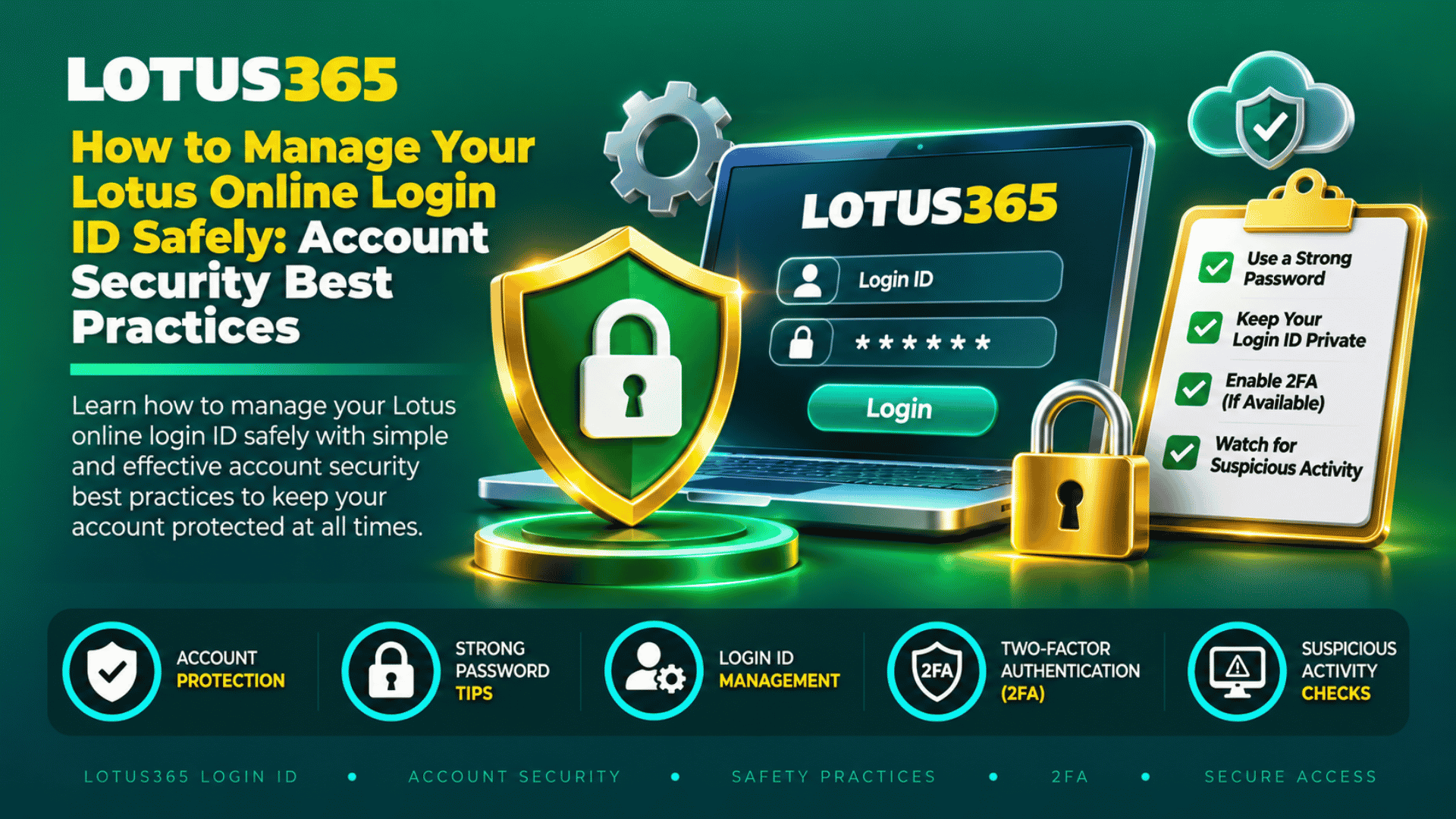
A strong password is long, mixed, and known only to you. Use at least 12 characters with letters, numbers, and symbols. A short sentence works well, such as “MyDogEats2RotiDaily!” It is easy to remember and hard to guess. Use a different password for every site, so one leak does not open many doors.
Password Safety Practices to Avoid
Do not use your name, birth date, or phone number. Do not write the password on paper near your desk or send it in chat. Do not share it with anyone, even a close friend for keeping good password safety practices .
Turn On Two-Step Verification
When a site or app offers an extra check, such as a one-time code sent to your phone, switch it on. A thief then needs both your password and your phone. Never share the code with anyone.
Safe Login Habits for Every Day
A Secure Account Login Tip is very important for your account safety. Here is how to follow.
Open the Right Website
Type the official address https://lotus365-ind.com/ and save it as a bookmark before you open the Lotus365 Login page. Look for the lock sign and check the spelling. Fake pages often look the same but have one extra letter or dash in the address.
Easy Daily Steps
Small habits protect you the most. Log out when you finish. Keep your phone locked. Skip the “save password” option on shared devices. Never tell anyone your OTP.
App Users
Install the app only from the official website link. Keep it updated and turn on your phone lock for extra safety.
Manage Your Lotus Online Login ID Protection on Your Phone
Your phone is likely where you log in most. To manage your Lotus online login ID well on it, set a screen lock, keep the phone software updated, and install only the trusted Lotus 365 App, . If you lose the phone, change your password from another device at once.
Protection on Public Wi-Fi
Free Wi-Fi in cafes and stations is open to many people. Use your own mobile data when you log in, or wait until you are on a safe network.
Protection on Shared Devices
On a friend’s or office computer, use a private window, log out fully, and clear saved details before you leave.
How to Spot Fake Messages and Calls
Scammers often send messages like “Your account will close today, click here.” They try to scare you into acting fast. Real support teams never ask for your password or OTP. If a caller asks for them, end the call. A simple rule to manage your Lotus online login ID safely is this: stop, think, and open the website yourself.
Lotus Online Account Security Checklist
Before you click any link, ask four questions. Do you know the sender? Does the link match the official address? Is the message rushing you? Is it asking for private details? A “yes” to the last two means stop.
Account Recovery Steps If Something Goes Wrong
For the Account Recovery Guidelines follow this Step by Step
- Open the official login page and tap the forgot password option.
- Confirm your identity with the details given at sign-up.
- Set a new password that you have never used before.
- Log out from other devices if the option is there.
- Check your recent activity for anything strange.
If you get stuck, use the help options on the Lotus365 platform to reach support.
What to Do After a Hack
Account Recovery Guidelines After a Suspicious Login
Act fast. Change your password first, then tell support and keep screenshots as proof. Once access is back, manage your Lotus online login ID again by checking every saved detail and removing devices you do not know.
| Situation | First step |
| Forgot password | Use the forgot password option |
| Lost phone | Change password from another device |
| Strange activity | Change password and contact support |
| Fake message received | Do not click; delete it |
Simple Monthly Security Routine
Quick Monthly Checklist
Once a month, spend five minutes on your account. Change the password if it feels old, review recent logins, and remove saved details from devices you no longer use. A short routine like this helps you manage your Lotus online login ID for the long run.
Play Safe and Stay Legal
Only adults should use the platform, and every person must follow the laws of the place they live. Never play with money you cannot afford to lose.
Conclusion
Your account is only as safe as your habits. Make a strong password, turn on extra checks, avoid public Wi-Fi, and never share codes. When something doesn’t feel right, move quickly to the recovery steps above. Little steps today can save big trouble tomorrow. Do it now! Go to your account settings and change your password. Pass these tips on to a friend. Stay safe, stay alert, and manage your Lotus online login ID like a pro.
FAQs
1. What is a login ID?
It is the number or username a person uses to log into their account.
2. How long should a strong password be?
A strong password should be at least 12 characters.
3. Is it safe to share OTP?
No,never do that it is not safe to share your OTP with anyone
4. Is it ok to log in via Wi-Fi?
It is better to use your mobile data instead of public Wi-Fi.
5. What to do if the account is hacked?
Change your password and contact support. If the account is hacked, change your password and contact support.
6. How often should a password be changed?
Every few months, or right away if there is any doubt.
7. Does real support ask for passwords?
No, real support never asks for your password.
Read More:
https://lotus365-ind.com/lotus-365-bet-safety-checks-every-new-user-know/
https://lotus365-ind.com/download-install-lotus-365-apk-safely-steps/